
Business Model Reviews
How to Set Up and Market Your TikTok Shop
Dec
Why TikTok Shop is a big opportunity
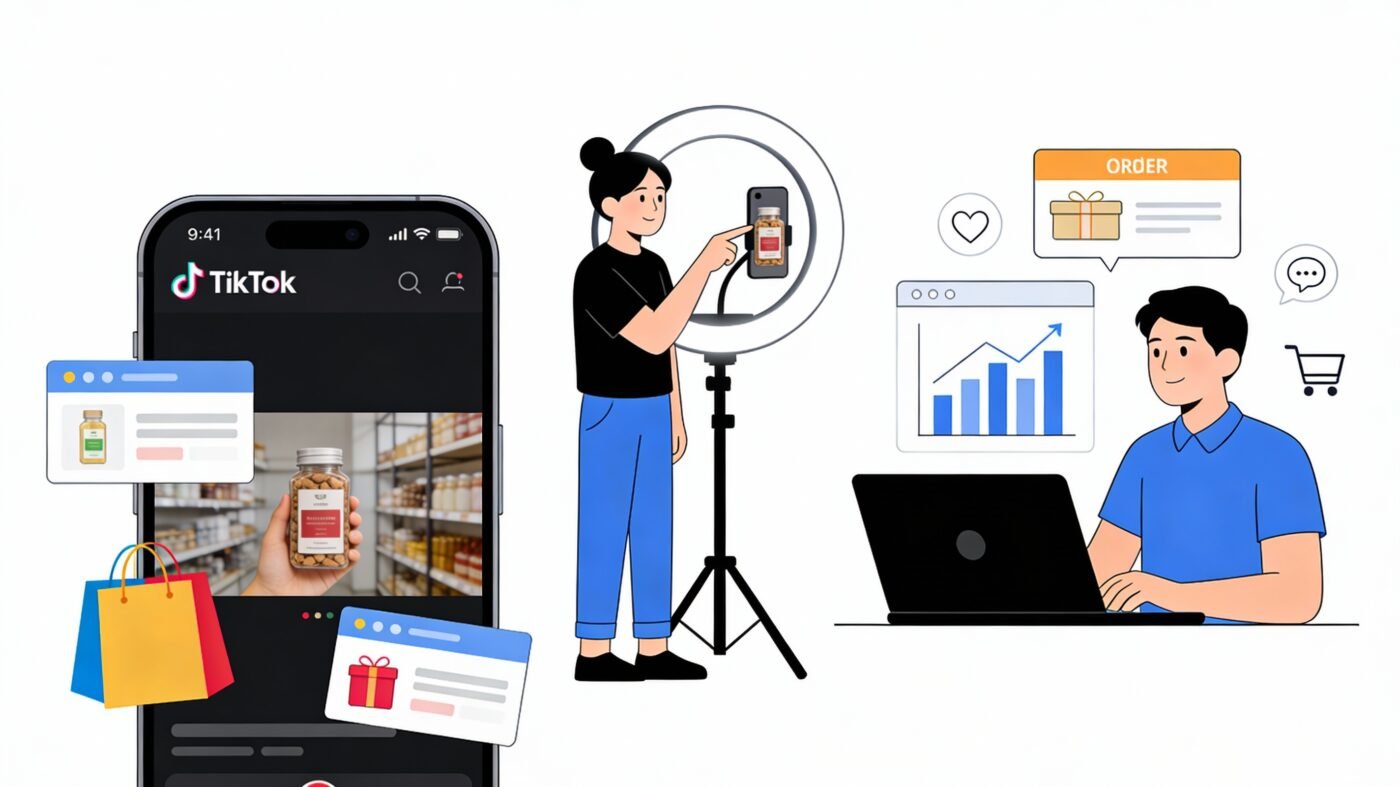
TikTok is not just for views anymore – TikTok Shop lets you sell products directly inside the app.
Customers can watch a video, tap your product, and check out without ever leaving TikTok.
For sellers in TikTok Shop supported countries (for example the UK, US, Southeast Asia and parts of Europe), this means you can turn content and views into real orders directly inside the app.
Even if your country is not fully supported yet, some sellers can join through TikTok’s cross‑border or global selling programs, so it is worth checking the latest rules in TikTok Seller Center.
Step 1: Get your TikTok Shop account ready
Before talking about marketing, the shop must be set up properly.
Basic checklist:
-
You have a TikTok Business account (not a personal account).
-
You have valid business or individual details and ID for a supported country.
-
You have a bank account or payout method that TikTok accepts in your region.
Simple setup flow:
-
Go to TikTok Seller Center and choose your selling region or cross‑border option.
-
Register as a business or individual seller and upload the required documents.
-
Add your business address, warehouse/pickup address and return address.
-
Link your bank account or payout provider for withdrawals.
-
Choose a clear shop name that matches your brand or store so customers recognise you.
Step 2: Add products that are ready to sell
Next, you need products that look trustworthy and easy to buy.
For each product, make sure you:
-
Use a simple, searchable title (for example: “Magnetic iPhone 15 Case Shockproof – Black”).
-
Add 3–8 clear photos plus at least one short video of the product in use.
-
Write a short description focused on benefits, key features and what is included.
-
Set realistic price, stock and shipping times (do not promise next‑day if you cannot do it).
If you work with a fulfilment partner (for example, OneWayExport or another 3PL):
-
Confirm your handling time (for example, “ships in 1–2 working days from local warehouse”).
-
Confirm whether items ship from a local warehouse or cross‑border, and set delivery times to match.
Step 3: Connect your store and fulfilment
If you already have a website (for example, Shopify, WooCommerce or another ecommerce platform), connect it to TikTok so your catalog stays in sync.
Key things to check:
-
Products, prices and stock match between your store and TikTok Shop.
-
Orders from TikTok are visible to whoever is packing and shipping (you or your fulfilment partner).
-
Return address and customer service email are clear and monitored daily.
If you use a logistics partner like OneWayExport:
-
Decide which SKUs are stocked locally (for example, in the UK or EU) for fast TikTok delivery.
-
Decide which SKUs are shipped from overseas (for example, from China) with longer delivery times but better margins.
Step 4: Build a simple content plan for TikTok Shop
Most TikTok Shop success comes from content, not just setup.
You do not need perfect “studio” videos – you need clear, honest, fast‑moving clips that make people understand and want the product.
Create 3–5 types of videos regularly:
-
“Problem–solution” videos (show the problem first, then your product fixing it).
-
“Before / after” or transformation clips.
-
“How to use it” quick tutorials.
-
“Unboxing” and “what you get” videos.
-
“Social proof” clips (reviews, comments, customer videos if you have them).
Basic structure for a good TikTok Shop video:
-
Hook in the first 2–3 seconds (“This gadget saved me 20 minutes every morning”).
-
Show the product in action straight away (no long intro).
-
Add on‑screen text highlighting the main benefit.
-
End with a clear call to action (“Tap the product tag to order” / “Check the TikTok Shop below”).
Step 5: Use TikTok’s shopping tools correctly
TikTok gives you multiple ways to drive sales, not just one.
Make sure you use:
-
Product tags in your videos so people can tap and buy immediately from the video.
-
The Shop tab on your profile with clear cover images and featured products.
-
Live shopping if you are comfortable on camera, with pinned products during the live.
Later, when you are ready to scale, you can:
-
Test TikTok ads that push people to your Shop or to specific product videos.
-
Work with TikTok Shop affiliates and creators who earn commission on each sale they generate.
Step 6: Set up operations so you do not get banned or down‑ranked
TikTok cares a lot about buyer experience.
If you cancel orders, ship late or have too many bad reviews, your shop can lose visibility or receive penalties.
Protect your account by:
-
Only listing products you can actually fulfil on time.
-
Keeping handling times and delivery estimates realistic for your shipping method.
-
Responding quickly to messages, “Where is my order?” questions and returns.
If you use a fulfilment partner:
-
Agree clear service levels (for example, “all TikTok orders shipped within 24–48 hours from local stock”).
-
Decide which products should stay in local warehouses for speed and which can ship cross‑border for higher margin but slower delivery.
Example setup model you can follow
Here is a simple model you can copy and adapt for any supported country:
-
Pick 3–5 “hero” products that are easy to show on video and not too heavy to ship.
-
Set up TikTok Shop and list only these hero products first.
-
For each product, record at least 5–10 short videos (different hooks, angles, use cases).
-
Post 1–2 videos per day for 30 days, always tagging the product in the video.
-
Use local fulfilment for your best‑selling SKUs so you can offer fast shipping and better reviews.
-
Once you see which products sell, move those winners fully into local stock and keep testing new products with smaller overseas stock behind them.
